A PDF reader built for studying, not just opening files
Your textbooks, question papers, lab manuals and EnginPath roadmaps — highlighted, collected into formula sheets, tracked and revised in one place. It runs on your own laptop, works with no internet, and never uploads anything.
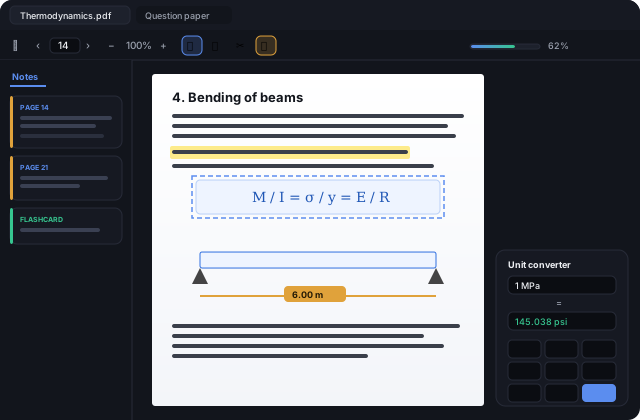
Try it right here
This is the actual application running in your browser — not a video, not a mock-up. The same code you'd install. Have a go, then download it if you like it.
What it does
Everything a PDF reader does, plus what you need when the PDF is a textbook and there's an exam coming.
Also: full-text search, two documents side by side, tabs and thumbnails, night mode, and a backup file you can carry to a new laptop.
Get it on your laptop
Download, run, done
One file, nothing to unzip. Double-click it, follow the installer, and it appears in your Start Menu and in Add or remove programs like any normal app.
Windows will warn you twice — here's why, and what to click
While downloading, your browser may say the file “isn't commonly downloaded”. Open the Downloads panel, click the … beside the file and choose Keep. When you run it, SmartScreen may show a blue box — click More info, then Run anyway.
Neither means anything is wrong with the file. Windows shows this for any new program without a code-signing certificate, and those cost several hundred dollars a year — which we'd rather not add to a free app.
To check you got the real file, run Get-FileHash <file> in
PowerShell and compare it with:
173140066f4a056a280c861192a2c23b24c0ab2293af1ffff4156111f08b87b2
- Version1.1.0
- PlatformWindows 10 / 11, 64-bit
- Download size~79 MB
- PriceFree
- Internet neededNo
- Account neededNo
- Your dataStays on your machine